

-
 Media gallery
-
 Media gallery
-
 Media gallery
-
 Media gallery


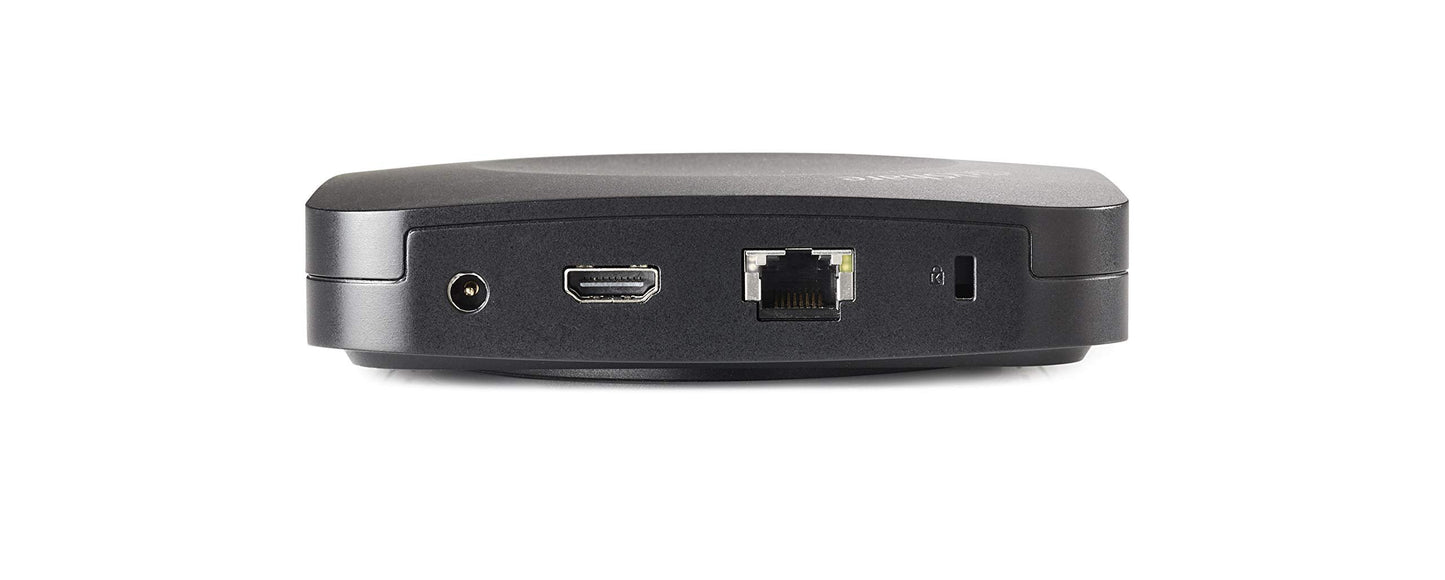
Barco ClickShare CX-30 Wireless Conferencing System for Medium Meeting Rooms with BYOM Support
-
Overview
-
Specifications
-
FAQ
-
User Guides
-
Reviews
The Barco ClickShare CX-30 is a wireless conferencing system designed to eliminate meeting room friction for medium-sized spaces. It automatically connects users to room peripherals including cameras, microphones, speakers, soundbars, and displays the moment they enter the room. This platform-agnostic solution enables seamless bring-your-own-meeting experiences, allowing employees and guests to launch hybrid meetings from their laptops using any preferred UC platform in under 7 seconds.
Built for IT decision-makers prioritizing deployment efficiency and security, the CX-30 integrates into existing enterprise environments with 100% encrypted connections and centralized cloud management through the XMS platform. The system supports up to 32 simultaneous connections via included ClickShare Buttons or desktop/mobile apps, accommodating both planned meetings and ad-hoc collaboration sessions.
Best For
The CX-30 is engineered for organizations deploying standardized collaboration infrastructure across medium-sized meeting rooms and conference facilities.
- Hybrid meeting rooms: Teams conducting video conferences with remote participants using Microsoft Teams, Zoom, or other UC platforms while maintaining consistent device experiences
- Multi-tenant office spaces: Environments where employees and external guests need instant access to room AV equipment without IT support or pre-configuration
- Corporate training facilities: Organizations requiring interactive features like whiteboarding, annotation, and dual-screen presentations for instructor-led sessions
- Executive briefing centers: Spaces where seamless technology operation is critical for client presentations and stakeholder meetings
- Innovation labs: Collaborative workspaces needing flexible content sharing from multiple devices across Windows, macOS, Android, and iOS platforms
Key Features
- Platform-agnostic BYOM support works with any UC application without requiring room system reconfiguration or custom integrations
- One-click connection via ClickShare Button or app automatically links laptops to room cameras, microphones, speakers, and displays
- 4K UHD video output at 3840×2160 resolution with dual-screen capability for simultaneous content display on two separate monitors
- Interactive collaboration tools including annotation overlays, digital whiteboarding, and touch-back control for touchscreen displays
- Native protocol support for AirPlay, Google Cast, and Miracast enables wireless presentation without additional software installation
- XMS cloud management platform provides centralized device monitoring, analytics, and remote configuration across multiple room deployments
- Enterprise security with WPA2-PSK encryption, IEEE 802.1X authentication support, and secure network integration modes
- Supports up to 32 simultaneous connections with flexible access via included buttons or downloadable apps for Windows, macOS, iOS, and Android
Quick Specs
| Model | CX-30 |
| Room Size | Medium meeting spaces |
| Display Output | 4K UHD (3840×2160) @ 30Hz via HDMI 1.4b or USB-C DisplayPort 1.2 |
| Dual Screen Support | Yes |
| OS Compatibility | Windows 10+, macOS 11+, Android 11+, iOS 14+ |
| Connection Methods | ClickShare Button (2 included), Desktop App, Mobile App, AirPlay, Google Cast, Miracast |
| Max Simultaneous Users | 32 connections (buttons and apps combined) |
| Wireless Standard | IEEE 802.11 a/g/n/ac, 2.4GHz and 5GHz (DFS), IEEE 802.15.1 |
| Wireless Range | Up to 30m (100 ft) between button and base unit |
| Network Connectivity | 1× Gigabit Ethernet LAN, Wi-Fi |
| USB Interfaces | 1× USB-A 2.0 (front panel), 1× USB-C 2.0 (front panel); Gen2: 1× USB-A 3.0, 1× USB-C 3.0 |
| Audio Output | USB, HDMI |
| Security | WPA2-PSK, IEEE 802.1X, 100% encryption |
| Management | XMS cloud platform with analytics and centralized monitoring |
| Interactive Features | Annotation, whiteboard, touch-back support, moderator view |
| Dimensions (Base Unit) | 135 × 135 × 34 mm (5.3 × 5.3 × 1.3 in) |
| Weight | 900g (31.7 oz) |
| Power | 110/220V AC or USB-C; 5-10W operating, 24W max |
| Operating Temperature | 0°C to +40°C (32°F to 104°F) |
| Noise Level | Max 25dBA @ 0-30°C, Max 30dBA @ 30-40°C |
What's Included
- ClickShare CX-30 base unit
- 2× ClickShare Buttons
- AC power adapter
- HDMI cable
- Quick start guide
| Color | Black |
| Power Source | AC-powered, USB |
What size meeting rooms is the CX-30 designed for?
How does the CX-30 compare to other ClickShare models?
Is the CX-30 worth the investment for hybrid meeting deployments?
What operating systems and devices work with the CX-30?
Can the CX-30 output to dual displays simultaneously?
What network infrastructure does the CX-30 require?
How many users can connect to the CX-30 at once?
What interactive features does the CX-30 provide for collaboration?
-
$2,299.00 - Regular price
- $2,099.00
- Sale price
- $2,099.00
- Unit price
- per
-
$2,299.00 - Regular price
- $2,099.00
- Sale price
- $2,099.00
- Unit price
- per
1–2 weeks lead time may apply
Couldn't load pickup availability
-
Free Ground Shipping Sign in to unlock FREE ground shipping for all users!

-
30 day Return Policy

-
Free One Year Warranty

-
Security Transaction

-
Net 30 Terms





Have a question?
Notified by email when this product becomes available
YOU MAY ALSO LIKE
BEST SELLING PRODUCTS
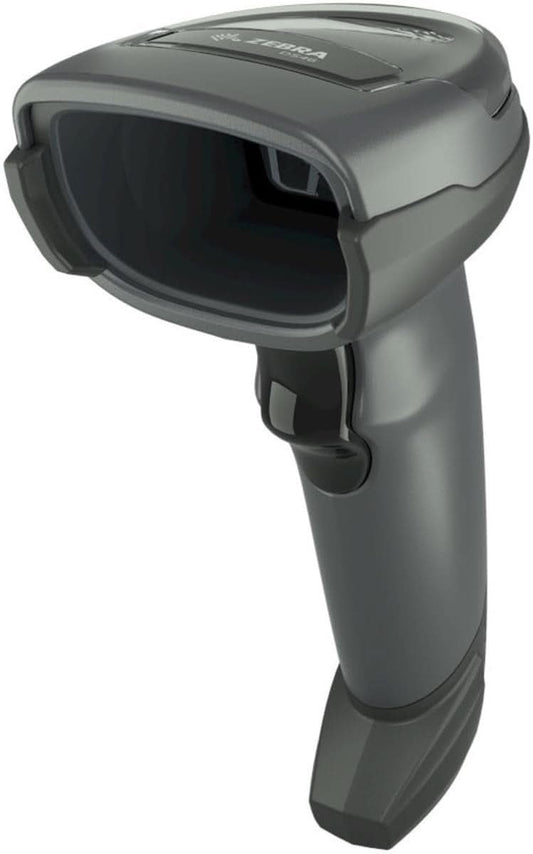
Zebra DS4608-SR7U2100SGW Handheld Imager | 1D/2D, General Purpose, Cable & Stand, Multi-Interface, Standard Range, USB
-
- Regular price
- $168.00
- Sale price
- $168.00
- Unit price
- per
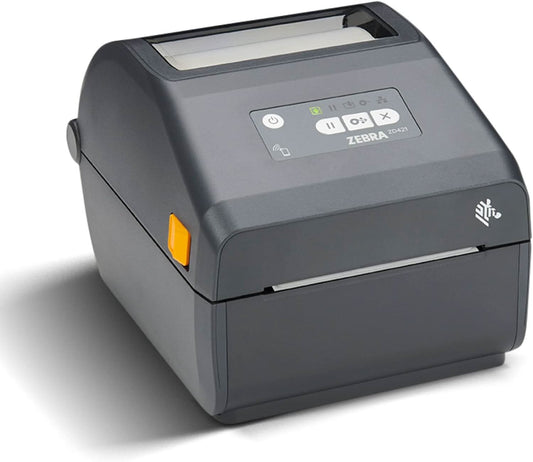
Zebra ZD421 Direct Thermal Desktop Printer | 203 dpi, 4" Print Width, Wired USB & Ethernet (ZD4A042-D01E00EZ)
-
$998.00 - Regular price
- $489.00
- Sale price
- $489.00
- Unit price
- per
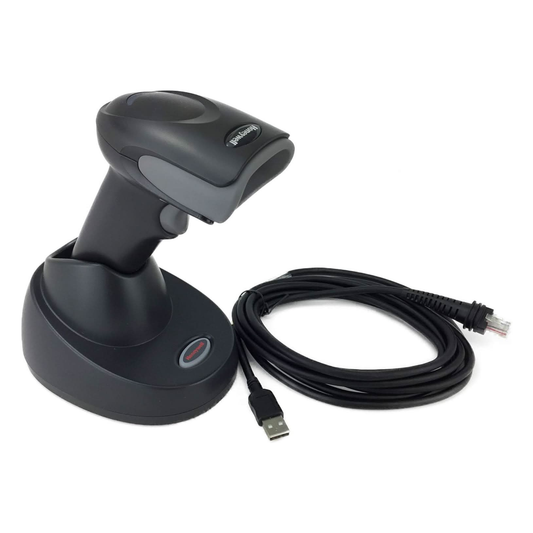
Honeywell Voyager XP 1472G Wireless Barcode/Area-Imaging Scanner Kit | 2D/1D/PDF/Postal, including a USB cable and a base
-
- Regular price
- $215.00
- Sale price
- $215.00
- Unit price
- per
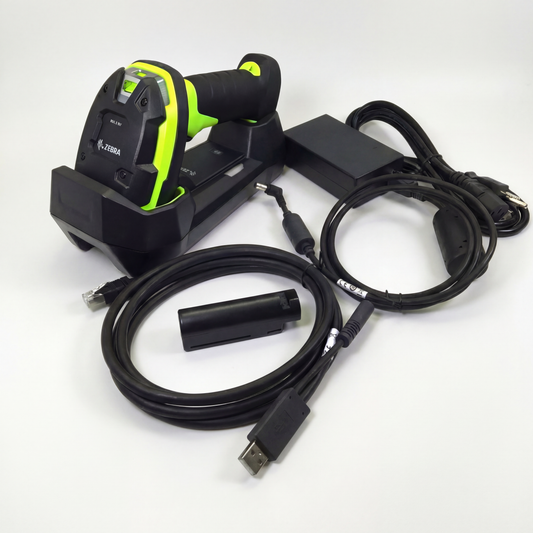
Zebra DS3678-SR Cordless Ultra-Rugged Barcode Scanner - Standard Range 1D/2D, FIPS USB Kit
-
$599.00 - Regular price
- $519.00
- Sale price
- $519.00
- Unit price
- per
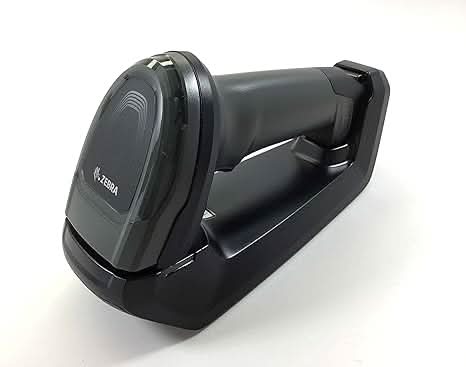
Zebra DS8178-SR Wireless Bluetooth Barcode Scanner | 1D/2D Imager, Includes Cradle & USB Cord
-
- Regular price
- $359.00
- Sale price
- $359.00
- Unit price
- per
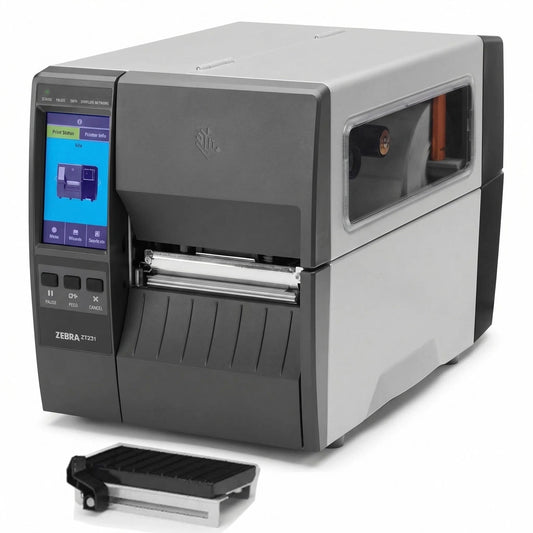
Zebra ZT23142-D01000FZ ZT231 4 Inch Direct Thermal Industrial Printer - 203 DPI, Tear-Off, USB, Serial, Ethernet, Bluetooth Low Energy, USB Host, US Cord
-
- Regular price
- $939.00
- Sale price
- $939.00
- Unit price
- per
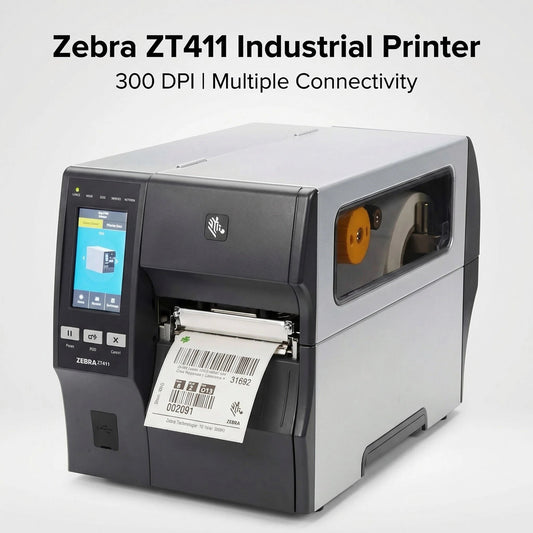
Zebra ZT41143-T010000Z ZT411 Industrial Label Printer - Thermal Transfer, 4-Inch Print Width, 300 dpi, Serial, USB, 10/100 Ethernet, Bluetooth 4.1/MFi, USB Host, US Cord
-
- Regular price
- $1,499.99
- Sale price
- $1,499.99
- Unit price
- per

Zebra Symbol DS8178-SR 2D/1D Wireless Bluetooth Barcode Scanner/Imager, Includes Cradle and USB Cord (Upgraded Model of DS6878-SR)
-
- Regular price
- $349.00
- Sale price
- $349.00
- Unit price
- per
