

 Media gallery
Zebra ZT41143-T010000Z ZT411 Industrial Label Printer - Thermal Transfer, 4-Inch Print Width, 300 dpi, Serial, USB, 10/100 Ethernet, Bluetooth 4.1/MFi, USB Host, US Cord  Media gallery
Zebra ZT41143-T010000Z ZT411 Industrial Label Printer - Thermal Transfer, 4-Inch Print Width, 300 dpi, Serial, USB, 10/100 Ethernet, Bluetooth 4.1/MFi, USB Host, US Cord  Media gallery
Zebra ZT41143-T010000Z ZT411 Industrial Label Printer - Thermal Transfer, 4-Inch Print Width, 300 dpi, Serial, USB, 10/100 Ethernet, Bluetooth 4.1/MFi, USB Host, US Cord  Media gallery
Zebra ZT41143-T010000Z ZT411 Industrial Label Printer - Thermal Transfer, 4-Inch Print Width, 300 dpi, Serial, USB, 10/100 Ethernet, Bluetooth 4.1/MFi, USB Host, US Cord  Media gallery
Zebra ZT41143-T010000Z ZT411 Industrial Label Printer - Thermal Transfer, 4-Inch Print Width, 300 dpi, Serial, USB, 10/100 Ethernet, Bluetooth 4.1/MFi, USB Host, US Cord  Media gallery
Zebra ZT41143-T010000Z ZT411 Industrial Label Printer - Thermal Transfer, 4-Inch Print Width, 300 dpi, Serial, USB, 10/100 Ethernet, Bluetooth 4.1/MFi, USB Host, US Cord  Media gallery
Zebra ZT41143-T010000Z ZT411 Industrial Label Printer - Thermal Transfer, 4-Inch Print Width, 300 dpi, Serial, USB, 10/100 Ethernet, Bluetooth 4.1/MFi, USB Host, US Cord


Zebra ZT41143-T010000Z ZT411 Industrial Label Printer - Thermal Transfer, 4-Inch Print Width, 300 dpi, Serial, USB, 10/100 Ethernet, Bluetooth 4.1/MFi, USB Host, US Cord
-
Overview
-
Specifications
-
FAQ
-
User Guides
-
Reviews
Best For:
-Warehouse and distribution labeling
-Manufacturing barcode and asset labeling
-Shipping and compliance label printing
-Operations that need 300 dpi printing for smaller text or finer barcode detail
-Networked business environments using Ethernet plus local device connectivity
Key Features:
-300 dpi print resolution helps produce more precise text, graphics, and barcode output than standard lower-resolution models.
-10/100 Ethernet supports deployment in shared, networked printing environments.
-USB and Serial connectivity support integration with a range of host systems and legacy setups.
-Bluetooth 4.1/MFi adds wireless connectivity for supported business workflows.
-USB Host ports support direct connection of supported peripherals and accessories.
-The 4.3-inch color touch display provides intuitive menu navigation and settings management.
-Dual transmissive and reflective media sensors support multiple media sensing methods.
Quick Specs:
Brand: Zebra
Model: ZT41143-T010000Z
Product Family: ZT411
Printer Type: Industrial label printer
Print Method: Thermal transfer
Print Resolution: 300 dpi
Maximum Print Width: 4.09 in.
Connectivity: Serial, USB, 10/100 Ethernet, Bluetooth 4.1/MFi, USB Host
What is included:
Printer
power cable
printer cable
| Color | Gray, Black, White |
| Connection Type | USB, Ethernet, Bluetooth, Wired, Wireless |
Why do my shipping labels print small on this 300 dpi printer?
Can the ZT411 print direct thermal labels without a ribbon?
Which ribbon should I buy for the ZT411: wax, wax/resin, or resin?
Does the ZT411 use ink-side-out or ink-side-in ribbon?
Why is the ribbon wrinkling on my ZT411?
My ZT411 skips labels or prints across the gap. How do I fix it?
I'm upgrading from an older Zebra printer. Will my label formats and supplies work?
How often should I clean the printhead, and can I replace it myself?
-
- Regular price
- $1,499.99
- Sale price
- $1,499.99
- Unit price
- per
-
- Regular price
- $1,499.99
- Sale price
- $1,499.99
- Unit price
- per
Order by 3 PM EST for Same-day Fulfillment
Couldn't load pickup availability
-
Free Ground Shipping Sign in to unlock FREE ground shipping for all users!

-
30 day Return Policy

-
Free One Year Warranty

-
Security Transaction

-
Net 30 Terms





Have a question?
Notified by email when this product becomes available
YOU MAY ALSO LIKE
BEST SELLING PRODUCTS
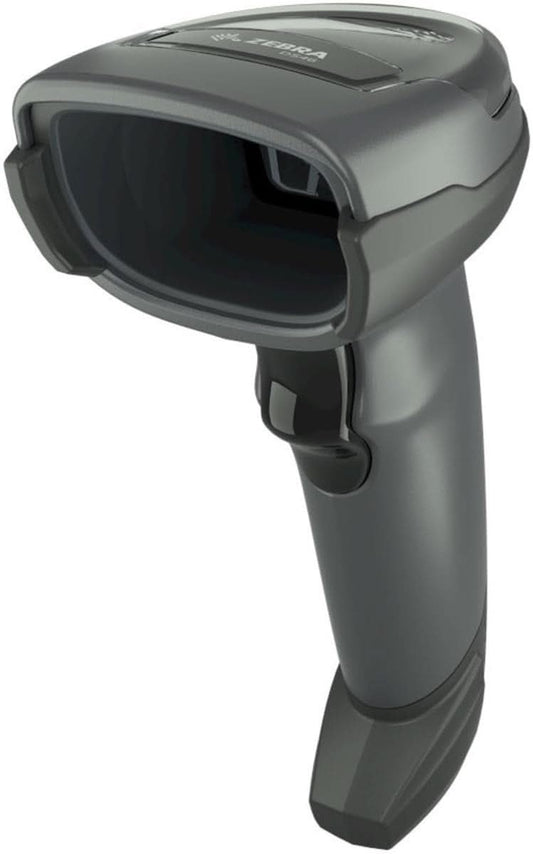
Zebra DS4608-SR7U2100SGW Handheld Imager | 1D/2D, General Purpose, Cable & Stand, Multi-Interface, Standard Range, USB
-
- Regular price
- $168.00
- Sale price
- $168.00
- Unit price
- per
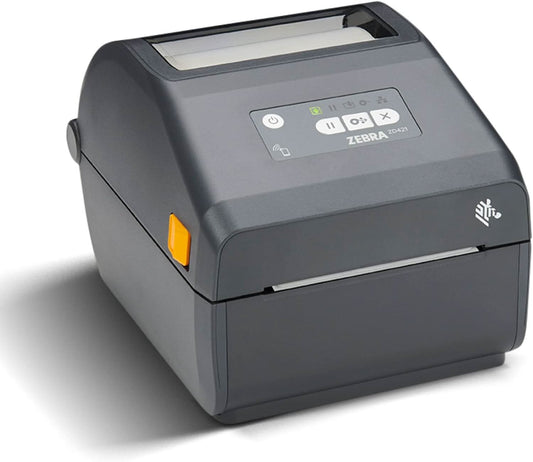
Zebra ZD421 Direct Thermal Desktop Printer | 203 dpi, 4" Print Width, Wired USB & Ethernet (ZD4A042-D01E00EZ)
-
$998.00 - Regular price
- $529.00
- Sale price
- $529.00
- Unit price
- per
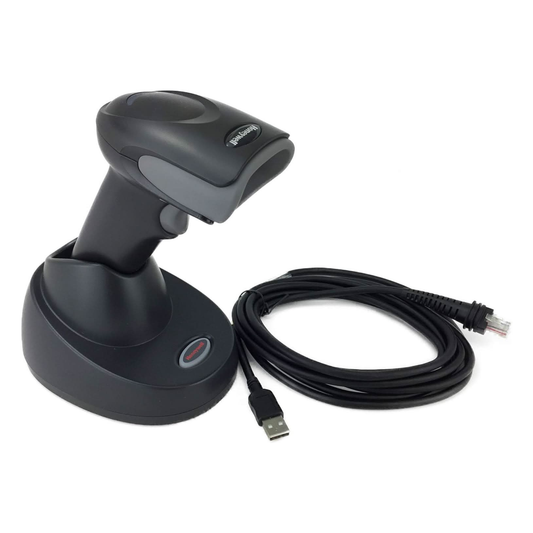
Honeywell Voyager XP 1472G Wireless Barcode/Area-Imaging Scanner Kit | 2D/1D/PDF/Postal, including a USB cable and a base
-
- Regular price
- $229.00
- Sale price
- $229.00
- Unit price
- per
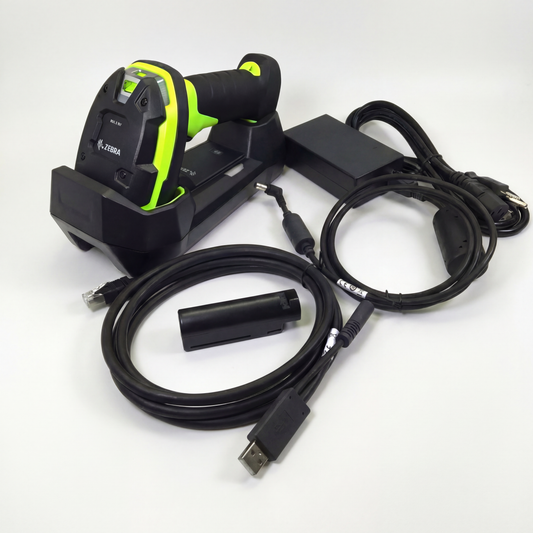
Zebra DS3678-SR Cordless Ultra-Rugged Barcode Scanner - Standard Range 1D/2D, FIPS USB Kit
-
$599.00 - Regular price
- $519.00
- Sale price
- $519.00
- Unit price
- per
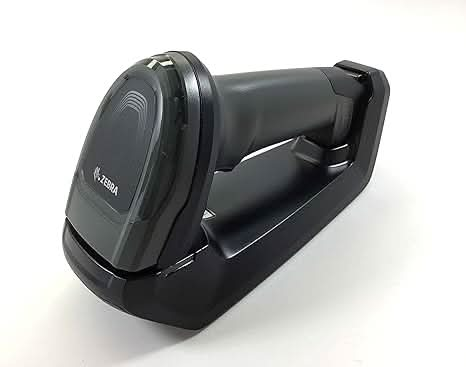
Zebra DS8178-SR Wireless Bluetooth Barcode Scanner | 1D/2D Imager, Includes Cradle & USB Cord
-
- Regular price
- $359.00
- Sale price
- $359.00
- Unit price
- per
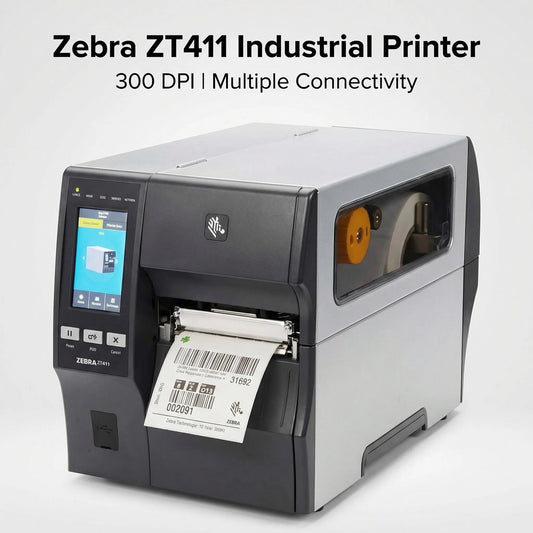
Zebra ZT41143-T010000Z ZT411 Industrial Label Printer - Thermal Transfer, 4-Inch Print Width, 300 dpi, Serial, USB, 10/100 Ethernet, Bluetooth 4.1/MFi, USB Host, US Cord
-
- Regular price
- $1,499.99
- Sale price
- $1,499.99
- Unit price
- per
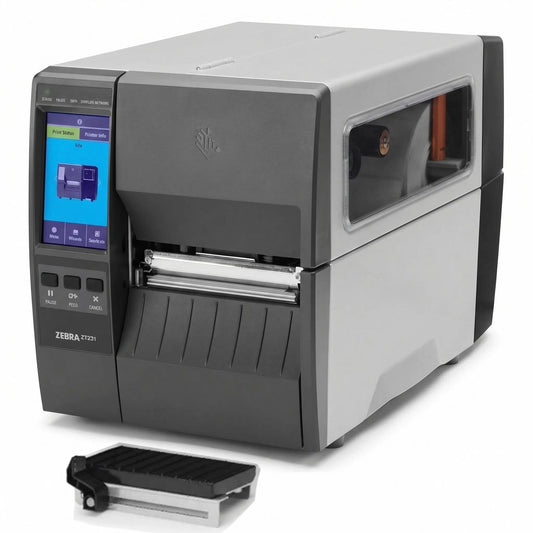
Zebra ZT23142-D01000FZ ZT231 4 Inch Direct Thermal Industrial Printer - 203 DPI, Tear-Off, USB, Serial, Ethernet, Bluetooth Low Energy, USB Host, US Cord
-
- Regular price
- $939.00
- Sale price
- $939.00
- Unit price
- per

Zebra Symbol DS8178-SR 2D/1D Wireless Bluetooth Barcode Scanner/Imager, Includes Cradle and USB Cord (Upgraded Model of DS6878-SR)
-
- Regular price
- $349.00
- Sale price
- $349.00
- Unit price
- per
