

 Media gallery
Yealink MP52 Teams phone with intuitive keypad and navigation controls  Media gallery
Yealink MP52 Teams phone with intuitive keypad and navigation controls for public areas  Media gallery
Yealink MP52 E2 Teams phone with auto attendant, call park, and CAP support for public areas  Media gallery
Yealink MP52 Teams phone installed at hospital nurse station desk  Media gallery
Yealink MP52 Teams phone with color screen, HD audio, Bluetooth, WiFi, and Gigabit Ethernet PoE  Media gallery
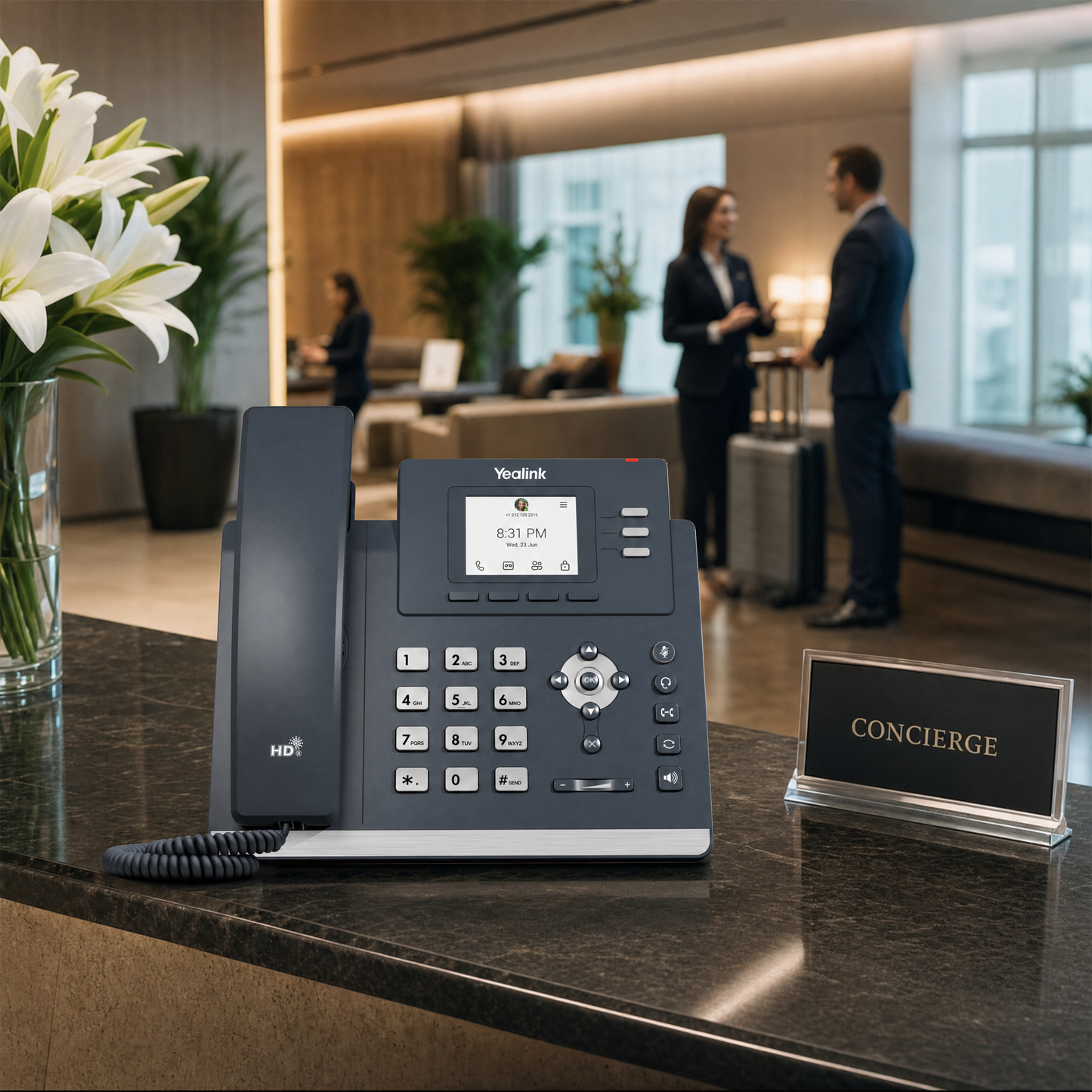
Yealink MP52 Teams phone on concierge desk in hotel lobby setting


Yealink MP52-E2-Teams Microsoft Teams Phone - Non-Touchscreen Desk Phone for Public Areas
-
Overview
-
Specifications
-
FAQ
-
User Guides
-
Reviews
The Yealink MP52-E2-Teams delivers enterprise-grade Microsoft Teams functionality in a rugged, user-friendly form factor designed specifically for public area deployments. Built on Android 13.0, this non-touchscreen desk phone combines the reliability of traditional telephony with the collaboration power of Microsoft Teams, making it the ideal solution for organizations transitioning from Skype for Business or deploying Common Area Phones (CAP) across facilities.
Engineered for durability and ease of use, the MP52 E2 features physical navigation buttons and a magnetic handset that withstand the demands of hospital corridors, warehouse floors, hotel lobbies, and educational institutions. With Yealink's Optima HD voice technology, dual Gigabit Ethernet ports with PoE support, and comprehensive remote management capabilities, IT teams can deploy and maintain these devices efficiently while ensuring consistent communication quality across all locations.
Best For
The Yealink MP52-E2-Teams is purpose-built for organizations requiring reliable Teams telephony in shared spaces and demanding environments:
- Healthcare Facilities: Nurse stations, hospital corridors, patient waiting areas, and administrative offices where durable, easy-to-sanitize communication devices are essential
- Hospitality Operations: Hotel lobbies, conference center registration desks, resort common areas, and guest services stations requiring professional guest communication
- Warehouses & Distribution Centers: Shipping docks, receiving areas, inventory control stations, and logistics coordination points where rugged devices withstand industrial conditions
- Educational Institutions: School hallways, campus security stations, administrative offices, and shared faculty areas needing reliable campus-wide communication
- Corporate Common Areas: Reception desks, break rooms, building lobbies, and shared workspaces where multiple users access telephony throughout the day
Key Features
- Microsoft Teams certification with full support for auto attendant, call park, and native Teams calling features ensures seamless UC integration
- Android 13.0 operating system provides enhanced security protocols, improved performance, and long-term platform stability for enterprise deployments
- 2.4-inch color display (320 x 240 pixels) with non-touchscreen interface visualizes call information while eliminating touchscreen vulnerability in public settings
- Yealink Optima HD voice technology with full-duplex speakerphone, acoustic echo cancellation (AEC), and HAC-compliant handset delivers exceptional audio clarity
- Physical keypad with durable buttons enables reliable dialing in challenging environments where touchscreens may fail or require frequent cleaning
- Dual-port Gigabit Ethernet switch with integrated PoE support simplifies installation, reduces cabling requirements, and ensures reliable network connectivity
- USB Type-A port and integrated Bluetooth support USB headsets and wireless accessories for flexible deployment options
- Centralized management through Microsoft Teams Admin Center (TAC) and Yealink Device Management Cloud Service (YMCS) enables bulk provisioning, firmware updates, and real-time monitoring
- Wall-mountable design with included desk stand provides flexible installation options to optimize space utilization in public areas
- Magnetic handset design prevents loss or damage while facilitating easy operation and secure storage when not in use
Quick Specs
| Specification | Details |
|---|---|
| Model | MP52-E2-Teams |
| Operating System | Android 13.0 |
| Microsoft Certification | Microsoft Teams Certified |
| Display | 2.4-inch color screen, 320 x 240 pixels, non-touchscreen |
| Audio Technology | Yealink Optima HD voice, full-duplex speakerphone with AEC, HAC handset |
| Network Connectivity | Dual-port Gigabit Ethernet switch with PoE support |
| Expansion Ports | USB Type-A port for USB headsets |
| Wireless Connectivity | Integrated Bluetooth |
| Interface Design | Physical keypad with navigation buttons, magnetic handset |
| Teams Features | Auto attendant, call park, Common Area Phone (CAP) account support, custom Teams apps |
| Management Platforms | Microsoft Teams Admin Center (TAC), Yealink Device Management Cloud Service (YMCS) |
| Provisioning | Auto-provisioning via Microsoft and Yealink platforms |
| Installation Options | Desktop stand (included), wall-mountable |
| Target Deployment | Public areas, common spaces, harsh environments |
| Power | Power over Ethernet (PoE) |
What's Included
- Yealink MP52-E2-Teams Phone
- Handset with cord
- Desktop stand
- Quick Start Guide
| Color | Gray, Black |
| Connection Type | Ethernet, Bluetooth, USB, Wired |
What makes the Yealink MP52-E2-Teams suitable for public area deployments?
Does this phone support Microsoft Teams Common Area Phone (CAP) accounts?
How do I manage and deploy multiple MP52 E2 phones across my organization?
What audio quality features does this Teams phone include?
Can I use headsets with the Yealink MP52-E2-Teams?
What network requirements does this phone have?
Is the MP52 E2 a good choice for migrating from Skype for Business to Teams?
What mounting options are available for the MP52-E2-Teams?
What are the exact dimensions and weight of the MP52-E2-Teams?
What specific audio codecs does the MP52-E2-Teams support?
-
- Regular price
- $185.06
- Sale price
- $185.06
- Unit price
- per
-
- Regular price
- $185.06
- Sale price
- $185.06
- Unit price
- per
Order by 3 PM EST for Same-day Fulfillment
Couldn't load pickup availability
-
Free Ground Shipping Sign in to unlock FREE ground shipping for all users!

-
30 day Return Policy

-
Free One Year Warranty

-
Security Transaction

-
Net 30 Terms





Have a question?
Notified by email when this product becomes available
YOU MAY ALSO LIKE
BEST SELLING PRODUCTS
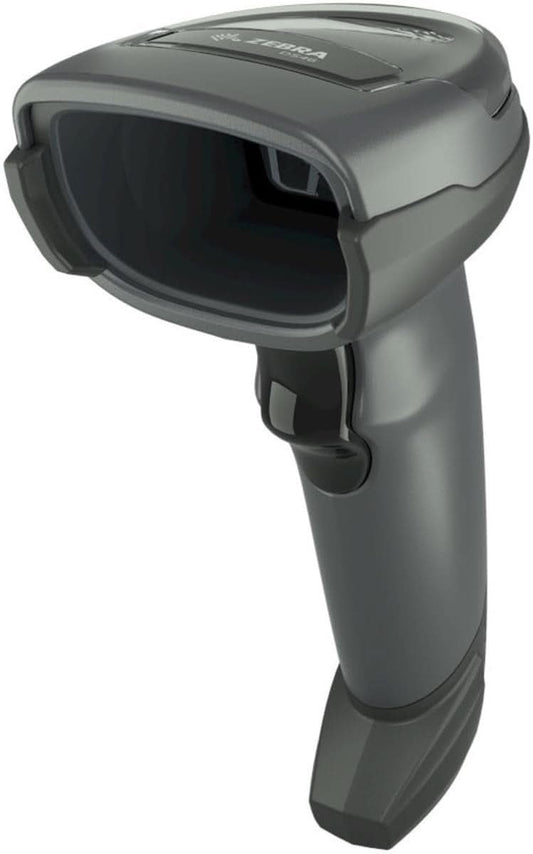
Zebra DS4608-SR7U2100SGW Handheld Imager | 1D/2D, General Purpose, Cable & Stand, Multi-Interface, Standard Range, USB
-
- Regular price
- $168.00
- Sale price
- $168.00
- Unit price
- per
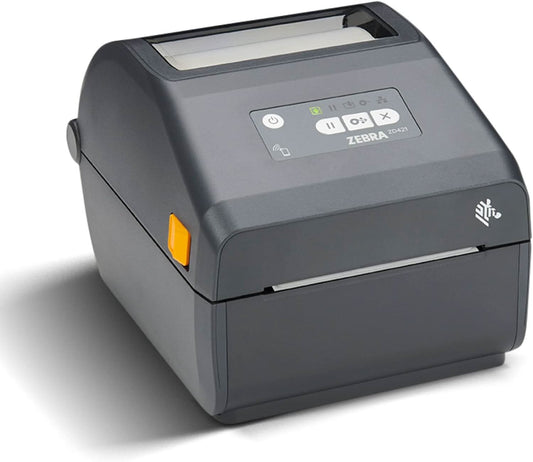
Zebra ZD421 Direct Thermal Desktop Printer | 203 dpi, 4" Print Width, Wired USB & Ethernet (ZD4A042-D01E00EZ)
-
$998.00 - Regular price
- $489.00
- Sale price
- $489.00
- Unit price
- per
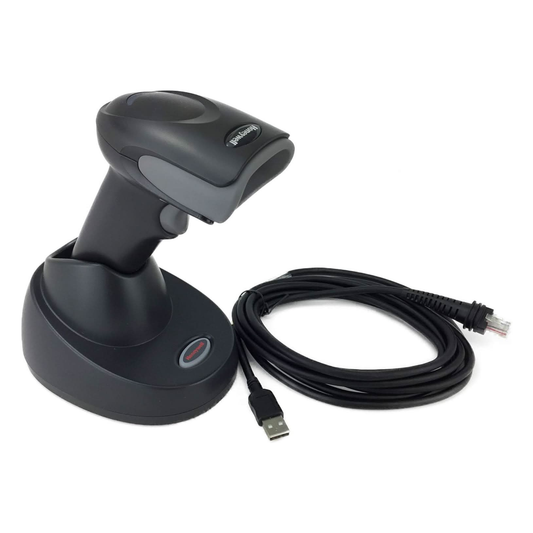
Honeywell Voyager XP 1472G Wireless Barcode/Area-Imaging Scanner Kit | 2D/1D/PDF/Postal, including a USB cable and a base
-
- Regular price
- $229.00
- Sale price
- $229.00
- Unit price
- per
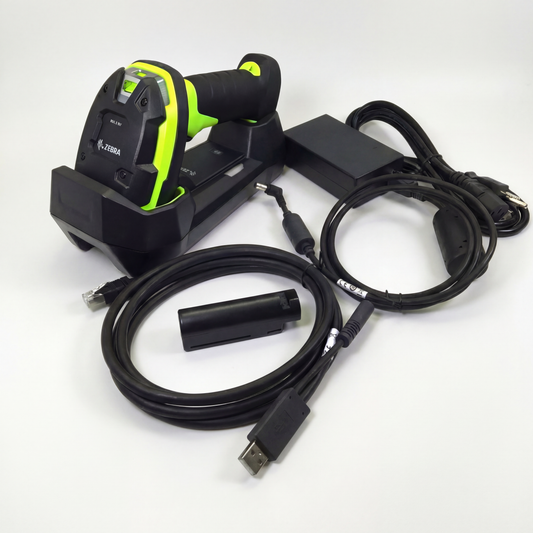
Zebra DS3678-SR Cordless Ultra-Rugged Barcode Scanner - Standard Range 1D/2D, FIPS USB Kit
-
$599.00 - Regular price
- $519.00
- Sale price
- $519.00
- Unit price
- per
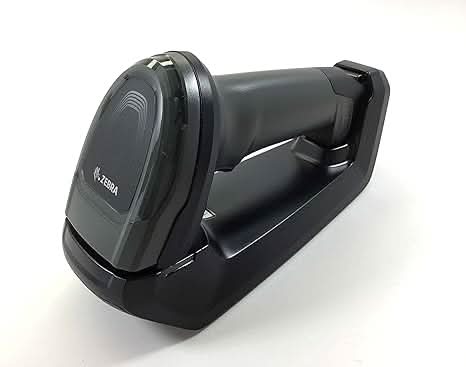
Zebra DS8178-SR Wireless Bluetooth Barcode Scanner | 1D/2D Imager, Includes Cradle & USB Cord
-
- Regular price
- $359.00
- Sale price
- $359.00
- Unit price
- per
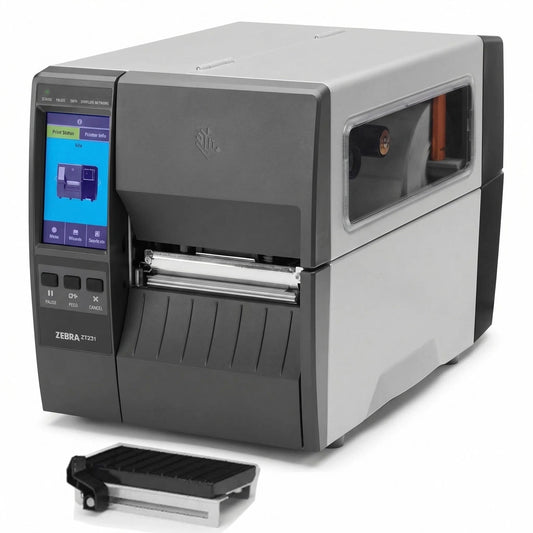
Zebra ZT23142-D01000FZ ZT231 4 Inch Direct Thermal Industrial Printer - 203 DPI, Tear-Off, USB, Serial, Ethernet, Bluetooth Low Energy, USB Host, US Cord
-
- Regular price
- $939.00
- Sale price
- $939.00
- Unit price
- per
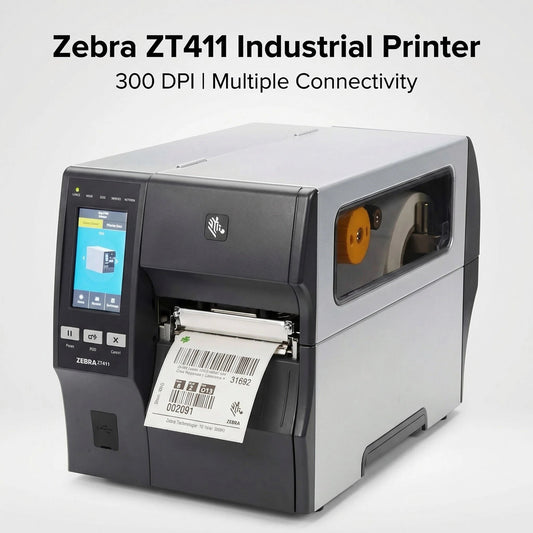
Zebra ZT41143-T010000Z ZT411 Industrial Label Printer - Thermal Transfer, 4-Inch Print Width, 300 dpi, Serial, USB, 10/100 Ethernet, Bluetooth 4.1/MFi, USB Host, US Cord
-
- Regular price
- $1,499.99
- Sale price
- $1,499.99
- Unit price
- per

Zebra Symbol DS8178-SR 2D/1D Wireless Bluetooth Barcode Scanner/Imager, Includes Cradle and USB Cord (Upgraded Model of DS6878-SR)
-
- Regular price
- $349.00
- Sale price
- $349.00
- Unit price
- per
