

 Media gallery
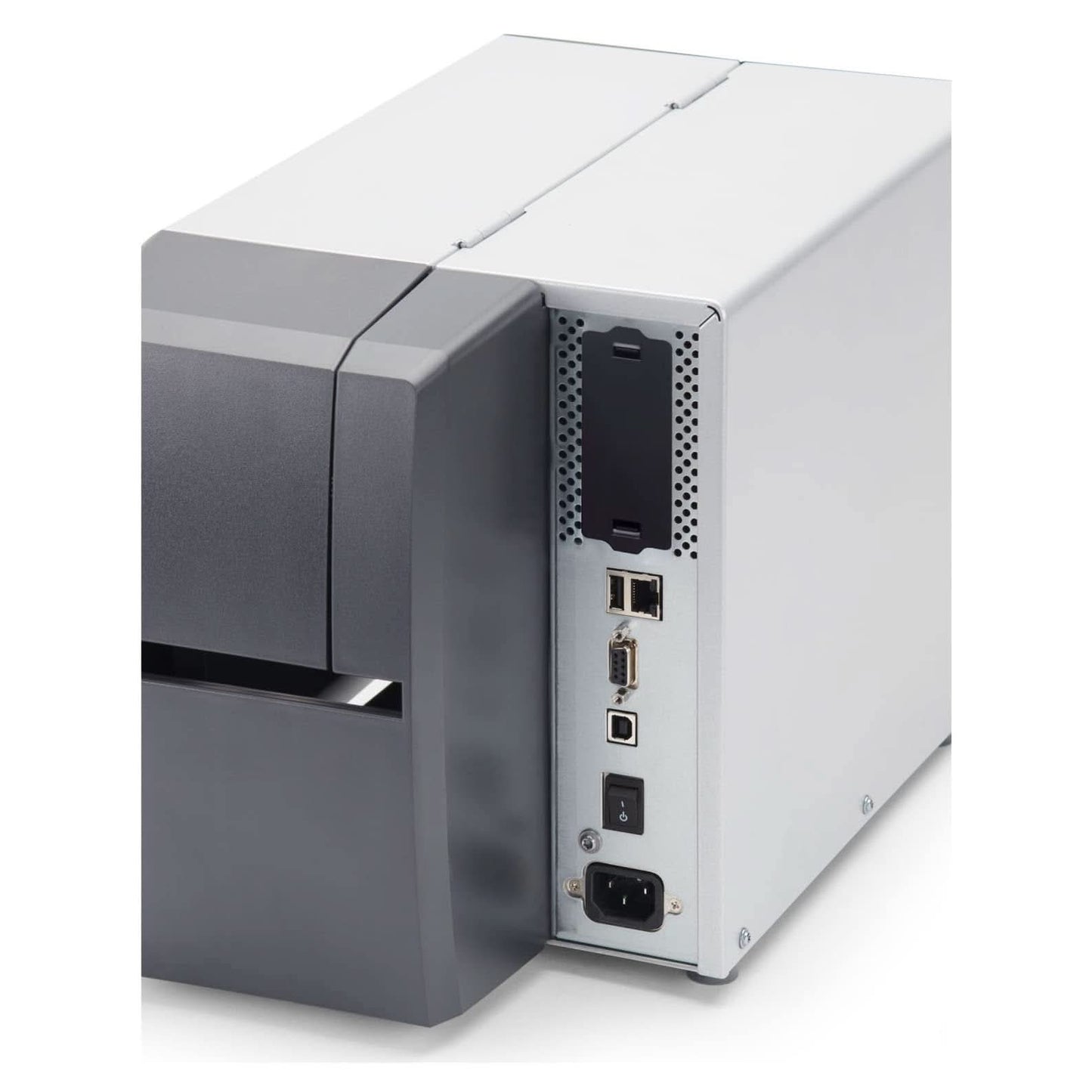
Zebra ZT23143-T01000FZ ZT231 4" Thermal Transfer Industrial Printer - 300 DPI, Tear-Off, USB, Serial, Ethernet, BTLE, USB Host, EZPL, US Cord  Media gallery
Zebra ZT23143-T01000FZ ZT231 4" Thermal Transfer Industrial Printer - 300 DPI, Tear-Off, USB, Serial, Ethernet, BTLE, USB Host, EZPL, US Cord  Media gallery
Zebra ZT23143-T01000FZ ZT231 4" Thermal Transfer Industrial Printer - 300 DPI, Tear-Off, USB, Serial, Ethernet, BTLE, USB Host, EZPL, US Cord  Media gallery
Zebra ZT23143-T01000FZ ZT231 4" Thermal Transfer Industrial Printer - 300 DPI, Tear-Off, USB, Serial, Ethernet, BTLE, USB Host, EZPL, US Cord  Media gallery
Zebra ZT23143-T01000FZ ZT231 4" Thermal Transfer Industrial Printer - 300 DPI, Tear-Off, USB, Serial, Ethernet, BTLE, USB Host, EZPL, US Cord  Media gallery
Zebra ZT23143-T01000FZ ZT231 4" Thermal Transfer Industrial Printer - 300 DPI, Tear-Off, USB, Serial, Ethernet, BTLE, USB Host, EZPL, US Cord  Media gallery
Zebra ZT23143-T01000FZ ZT231 4" Thermal Transfer Industrial Printer - 300 DPI, Tear-Off, USB, Serial, Ethernet, BTLE, USB Host, EZPL, US Cord  Media gallery
Zebra ZT23143-T01000FZ ZT231 4" Thermal Transfer Industrial Printer - 300 DPI, Tear-Off, USB, Serial, Ethernet, BTLE, USB Host, EZPL, US Cord  Media gallery
Zebra ZT23143-T01000FZ ZT231 4" Thermal Transfer Industrial Printer - 300 DPI, Tear-Off, USB, Serial, Ethernet, BTLE, USB Host, EZPL, US Cord


Zebra ZT23143-T01000FZ ZT231 4" Thermal Transfer Industrial Printer - 300 DPI, Tear-Off, USB, Serial, Ethernet, BTLE, USB Host, EZPL, US Cord
-
Overview
-
Specifications
-
FAQ
-
User Guides
-
Reviews
Best For:
-Manufacturing and warehouse labeling
-Shipping and logistics labeling
-Product identification labeling
-Work-in-process and inventory tracking
-Industrial environments needing USB, Serial, and Ethernet connectivity
-Applications needing 300 dpi thermal transfer print quality
Key Features:
-4 inch industrial thermal transfer printer configuration.
-300 dpi printhead for sharper text, barcodes, and small-format label content.
-Tear-off media handling for standard label output workflows.
-USB 2.0, RS-232 Serial, and 10/100 Ethernet connectivity.
-Bluetooth Low Energy support.
-USB Host port for added workflow flexibility.
-4.3 inch color resistive touch screen with intuitive menu.
-Real-Time Clock included.
-Side-loading supplies path for simplified media and ribbon loading.
-Supports ZPL and ZPL II printer command languages.
-Includes EZPL in the provided configuration text.
Quick Specs:
Brand: Zebra
Model: ZT231
Product Type: Industrial label printer
Print Width Class: 4 inch
Print Technology: Thermal Transfer
Resolution: 300 dpi
Print Width: Up to 4.09 in.
Print Speed: Up to 8 ips
Media Handling: Tear-off
Interfaces: USB, Serial, Ethernet
Wireless: Bluetooth Low Energy
USB Host: Yes
Display: 4.3 inch color touch screen
Real-Time Clock: Yes
What’s Included:
Printer unit
US power cord
| Color | Gray, Black |
| Connection Type | Ethernet, Bluetooth, USB, Power cord |
Why do my shipping labels print small on this 300 dpi printer?
Can the ZT231 print direct thermal labels too?
What ribbon does the ZT231 take, and which side should the ink be on?
Can the ZT231 replace my ZT230? Will my labels and ribbons still work?
Why is my ZT231 skipping labels or feeding blanks?
Why does my ZT231 wrinkle the ribbon or say "ribbon not detected"?
How do I put the ZT231 on my network?
How do I look after the ZT231 printhead, and can I replace it myself?
-
- Regular price
- $1,199.00
- Sale price
- $1,199.00
- Unit price
- per
-
- Regular price
- $1,199.00
- Sale price
- $1,199.00
- Unit price
- per
Order by 3 PM EST for Same-day Fulfillment
Couldn't load pickup availability
-
Free Ground Shipping Sign in to unlock FREE ground shipping for all users!

-
30 day Return Policy

-
Free One Year Warranty

-
Security Transaction

-
Net 30 Terms





Have a question?
Notified by email when this product becomes available
YOU MAY ALSO LIKE
BEST SELLING PRODUCTS
Zebra DS4608-SR7U2100SGW Handheld Imager | 1D/2D, General Purpose, Cable & Stand, Multi-Interface, Standard Range, USB
-
- Regular price
- $168.00
- Sale price
- $168.00
- Unit price
- per
Zebra ZD421 Direct Thermal Desktop Printer | 203 dpi, 4" Print Width, Wired USB & Ethernet (ZD4A042-D01E00EZ)
-
$998.00 - Regular price
- $489.00
- Sale price
- $489.00
- Unit price
- per
Honeywell Voyager XP 1472G Wireless Barcode/Area-Imaging Scanner Kit | 2D/1D/PDF/Postal, including a USB cable and a base
-
- Regular price
- $215.00
- Sale price
- $215.00
- Unit price
- per
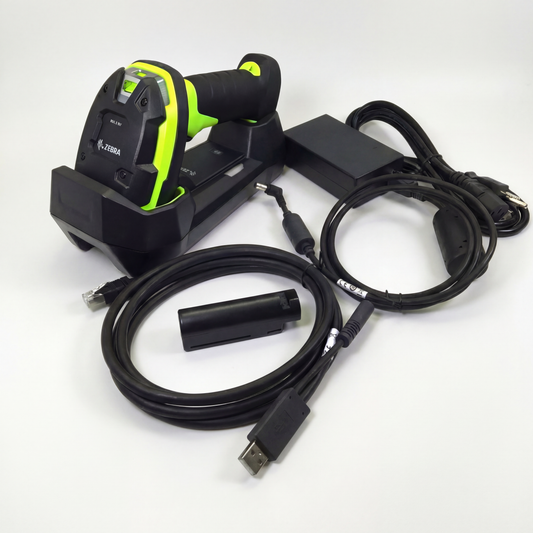
Zebra DS3678-SR Cordless Ultra-Rugged Barcode Scanner - Standard Range 1D/2D, FIPS USB Kit
-
$599.00 - Regular price
- $519.00
- Sale price
- $519.00
- Unit price
- per
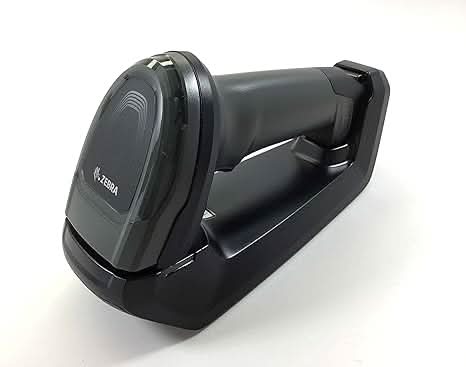
Zebra DS8178-SR Wireless Bluetooth Barcode Scanner | 1D/2D Imager, Includes Cradle & USB Cord
-
- Regular price
- $359.00
- Sale price
- $359.00
- Unit price
- per
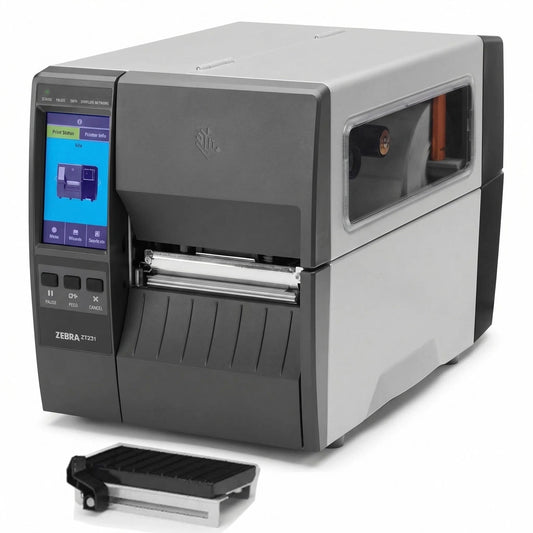
Zebra ZT23142-D01000FZ ZT231 4 Inch Direct Thermal Industrial Printer - 203 DPI, Tear-Off, USB, Serial, Ethernet, Bluetooth Low Energy, USB Host, US Cord
-
- Regular price
- $939.00
- Sale price
- $939.00
- Unit price
- per
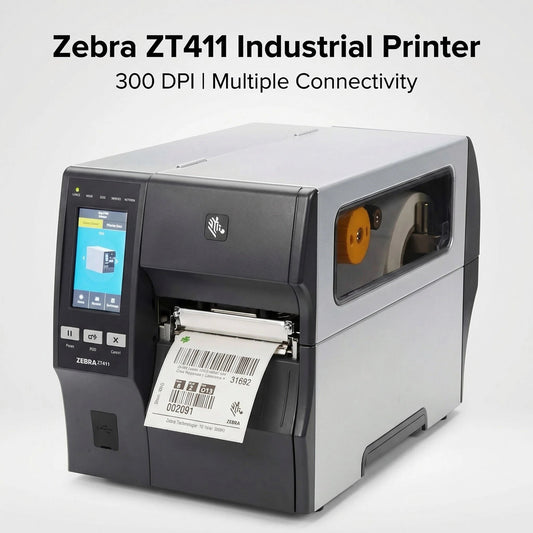
Zebra ZT41143-T010000Z ZT411 Industrial Label Printer - Thermal Transfer, 4-Inch Print Width, 300 dpi, Serial, USB, 10/100 Ethernet, Bluetooth 4.1/MFi, USB Host, US Cord
-
- Regular price
- $1,499.99
- Sale price
- $1,499.99
- Unit price
- per

Zebra Symbol DS8178-SR 2D/1D Wireless Bluetooth Barcode Scanner/Imager, Includes Cradle and USB Cord (Upgraded Model of DS6878-SR)
-
- Regular price
- $349.00
- Sale price
- $349.00
- Unit price
- per
