

 Media gallery
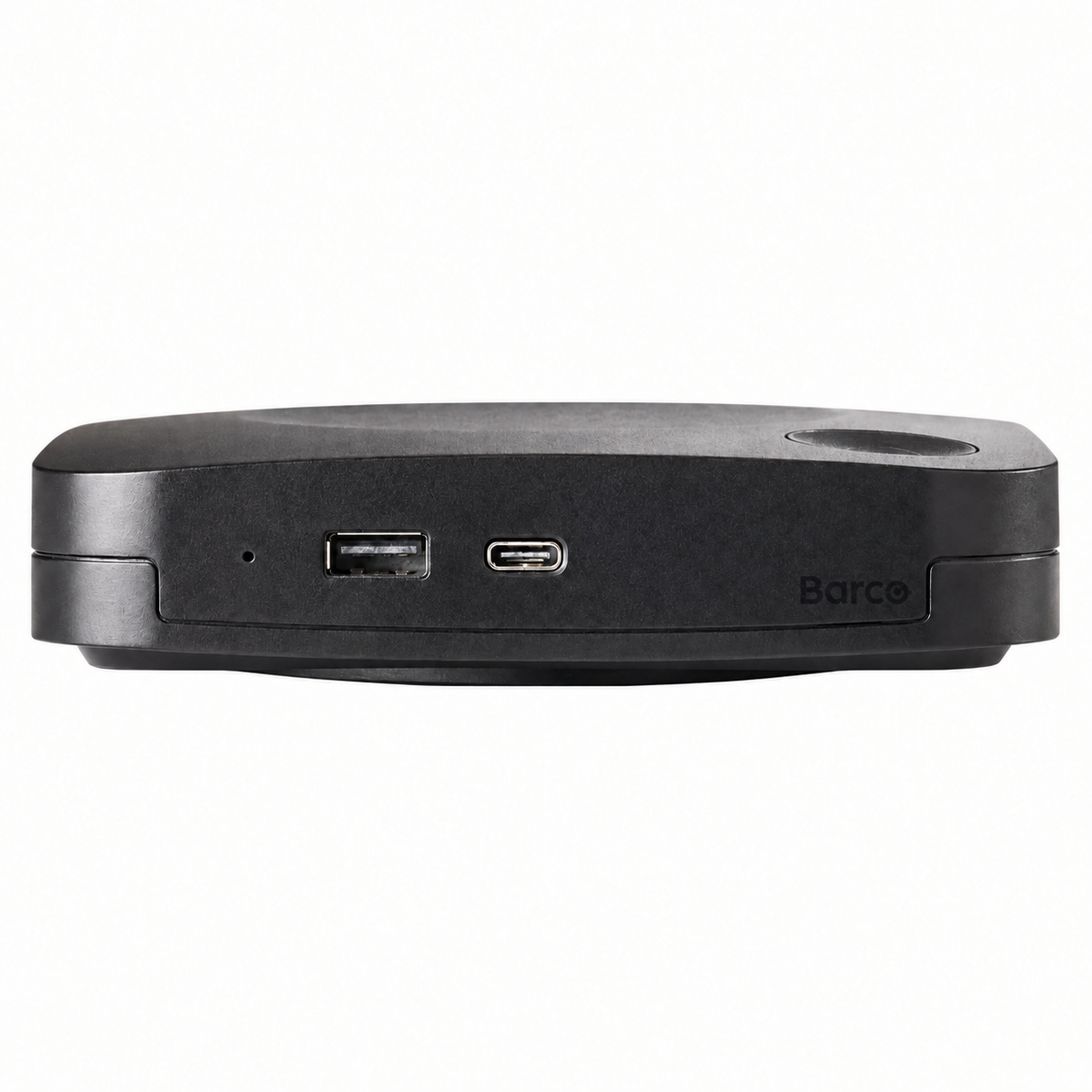
Barco ClickShare C-10 Gen2 Wireless Presentation System with 2 USB-C Buttons for Enterprise Conference Rooms

Barco ClickShare C-10 Gen2 Wireless Presentation System with 2 USB-C Buttons for Enterprise Conference Rooms
-
Overview
-
Specifications
-
FAQ
-
User Guides
-
Reviews
The Barco ClickShare C-10 Gen2 eliminates cable clutter and compatibility issues in enterprise conference rooms by enabling instant wireless presentation from any device. This second-generation system combines plug-and-play USB-C buttons with app-based connectivity to support every meeting scenario, whether participants use company-issued laptops or personal mobile devices. IT departments gain centralized control through cloud management while end users experience consistent one-touch sharing regardless of their device or operating system.
Built for organizations that prioritize both security and user experience, the C-10 Gen2 delivers ISO 27001 certified protection alongside interactive features that transform static presentations into collaborative sessions. The system supports up to 32 simultaneous connections with two sources displayed side-by-side in full HD, while interactive touchback allows presenters to control room displays directly from their laptops. One USB-A 3.0 and one USB-C 3.0 interface plus native protocol support for AirPlay, Google Cast, and Miracast ensure compatibility across every device type without requiring downloads for guest users.
Best For
The ClickShare C-10 Gen2 addresses wireless presentation and collaboration requirements across enterprise environments where BYOD policies, security compliance, and interactive engagement are business priorities.
Corporate Boardrooms and Executive Meeting Spaces: Provides executive teams with cable-free 4K presentation capabilities and interactive annotation tools for strategic planning sessions requiring confidential content protection and seamless device switching.
Training and Education Facilities: Enables instructors to share content from multiple devices simultaneously while leveraging touchback and blackboard features to create interactive learning experiences without technical complexity.
Client-Facing Conference Rooms: Allows external visitors to present from personal devices through secure guest access while maintaining network isolation, eliminating the need for loaner equipment or pre-meeting software installations.
Multi-Building Enterprise Campuses: Standardizes wireless presentation infrastructure across dispersed meeting rooms with centralized XMS cloud management for firmware updates, usage monitoring, and helpdesk troubleshooting.
Hybrid Meeting Environments: Integrates with room displays and collaboration platforms to support mixed in-room and remote participants, with dual-source display enabling simultaneous local presentation and video conference content.
Key Features
Universal BYOD Compatibility: Supports Windows 10+, macOS 11+, Android 9+, and iOS 12+ through included buttons, desktop apps, mobile apps, and native AirPlay/Google Cast/Miracast protocols without requiring software for guest access.
Second Generation USB 3.0 Technology: Upgraded USB-A and USB-C 3.0 ports with DisplayPort over USB-C support enable single-cable connection to compatible displays for simultaneous video transmission and power delivery to the base unit.
4K UHD Video Output: Delivers presentations at 3840×2160 resolution at 30Hz through HDMI 1.4b or USB-C DisplayPort 1.2 interfaces with embedded audio for high-quality content display on modern conference room screens.
Dual Simultaneous Sources: Displays content from two presenters side-by-side on the room screen with support for up to 32 connected devices, enabling seamless comparison of materials or handoff between speakers.
Interactive Touchback and Annotation: Allows presenters to control touch-enabled room displays from their laptops, annotate shared content in real-time, and use blackboard mode for whiteboarding without leaving the conference table.
Enterprise Network Integration: Connects via gigabit Ethernet with WPA2-PSK or IEEE 802.1X authentication for corporate network integration, while maintaining isolated 2.4GHz/5GHz wireless for device-to-base station communication up to 30 meters.
XMS Cloud Management Platform: Provides IT administrators with centralized firmware deployment, device health monitoring, usage analytics, and remote troubleshooting across distributed ClickShare installations through web-based dashboard.
ISO 27001 Certified Security: Implements information security management standards with encrypted wireless transmission, network authentication protocols, and Kensington lock slot for physical device security in shared spaces.
Quick Specs
| Model Number | C-10GEN2USSET (R9861611USB2) |
| Generation | Second Generation (Gen2) |
| Buttons Included | 2 × USB-C ClickShare Gen 4 Buttons |
| Video Output Resolution | 4K UHD (3840×2160) @ 30Hz |
| Video Output Interfaces | HDMI 1.4b, USB-C DisplayPort 1.2 |
| USB Connectivity | 1 × USB-A 3.0, 1 × USB-C 3.0 with DisplayPort and Power Delivery |
| Maximum Simultaneous Connections | 32 devices |
| Maximum Simultaneous Sources Displayed | 2 sources side-by-side |
| Supported Operating Systems | Windows 10+, macOS 11+, Android 9+, iOS 12+ |
| Native Protocol Support | AirPlay, Google Cast, Miracast |
| Wireless Standards | IEEE 802.11 a/g/n/ac (2.4GHz and 5GHz), IEEE 802.15.1 |
| Wireless Range | Up to 30 meters (100 feet) between button and base station |
| Wireless Security | WPA2-PSK, IEEE 802.1X |
| Network Connectivity | 1 × Gigabit Ethernet (1Gbit), Wi-Fi |
| Interactive Features | Touchback control, annotation, blackboard mode, local view |
| Management Platform | XMS Cloud with remote management and analytics |
| Security Certification | ISO 27001 |
| Physical Dimensions | 34 mm H × 135 mm W × 135 mm D (base station) |
| Weight | 900 grams (base station) |
| Operating Temperature | 0°C to 40°C (32°F to 104°F), up to 85% humidity |
| Power Input | 110-220 VAC, 50/60 Hz or USB-C Power Delivery |
| Power Consumption | 5-10W typical, 24W maximum |
| Noise Level | Maximum 25 dBA at 0-30°C, 30 dBA at 30-40°C |
| Physical Security | Kensington lock slot |
What's Included
- ClickShare C-10 Gen2 Base Station
- 2 × ClickShare Button Gen 4 (USB-C)
- AC Power Adapter with Regional Plug
- Documentation
| Power Source | AC-powered, USB |
What conference room sizes and display configurations work best with the ClickShare C-10 Gen2?
How does the C-10 Gen2 compare to other ClickShare Conference models for enterprise deployments?
Is the C-10 Gen2 investment justified compared to consumer wireless display adapters or software-only solutions?
Which video conferencing platforms, operating systems, and display types are compatible with the C-10 Gen2?
What network infrastructure and bandwidth does the C-10 Gen2 require for reliable operation?
How does the USB 3.0 upgrade in Gen2 models improve performance compared to first-generation C-10 units?
What interactive collaboration features does the C-10 Gen2 enable beyond basic screen sharing?
How do IT administrators manage and monitor distributed C-10 Gen2 installations across multiple locations?
-
- Regular price
- $1,450.00
- Sale price
- $1,450.00
- Unit price
- per
-
- Regular price
- $1,450.00
- Sale price
- $1,450.00
- Unit price
- per
Order by 3 PM EST for Same-day Fulfillment
Couldn't load pickup availability
-
Free Ground Shipping Sign in to unlock FREE ground shipping for all users!

-
30 day Return Policy

-
Free One Year Warranty

-
Security Transaction

-
Net 30 Terms



Have a question?
Notified by email when this product becomes available
YOU MAY ALSO LIKE
BEST SELLING PRODUCTS
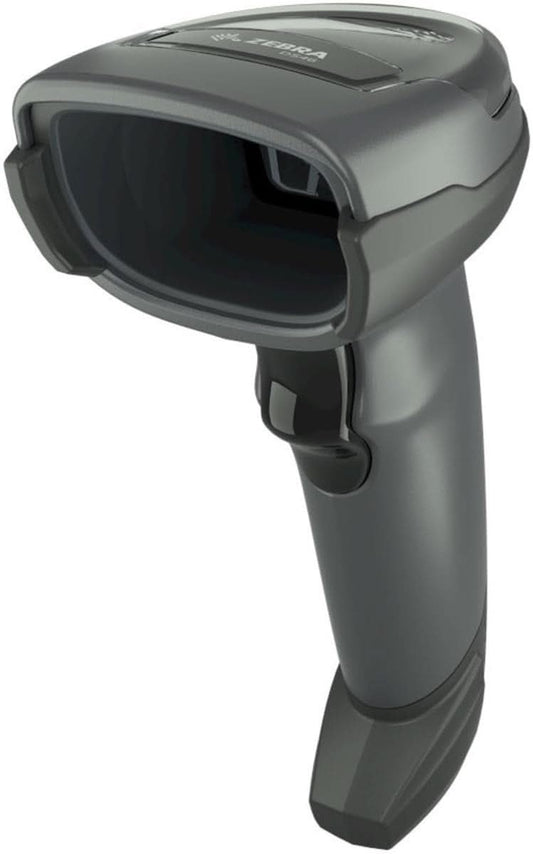
Zebra DS4608-SR7U2100SGW Handheld Imager | 1D/2D, General Purpose, Cable & Stand, Multi-Interface, Standard Range, USB
-
- Regular price
- $168.00
- Sale price
- $168.00
- Unit price
- per
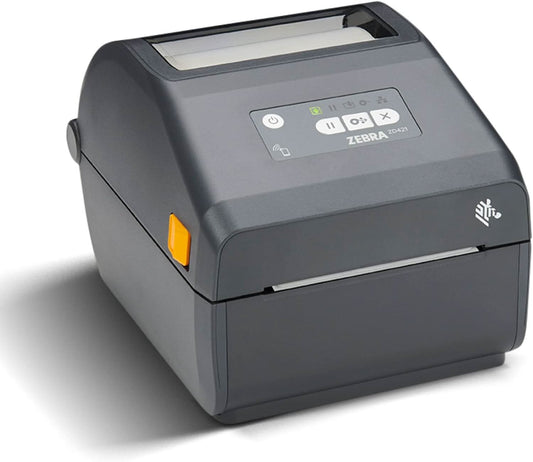
Zebra ZD421 Direct Thermal Desktop Printer | 203 dpi, 4" Print Width, Wired USB & Ethernet (ZD4A042-D01E00EZ)
-
$998.00 - Regular price
- $529.00
- Sale price
- $529.00
- Unit price
- per
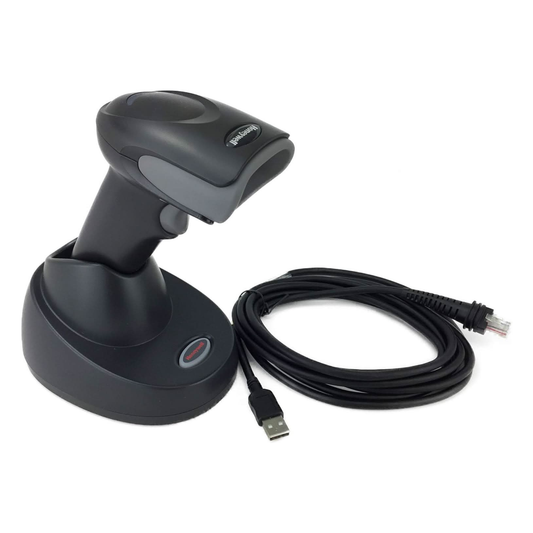
Honeywell Voyager XP 1472G Wireless Barcode/Area-Imaging Scanner Kit | 2D/1D/PDF/Postal, including a USB cable and a base
-
- Regular price
- $229.00
- Sale price
- $229.00
- Unit price
- per
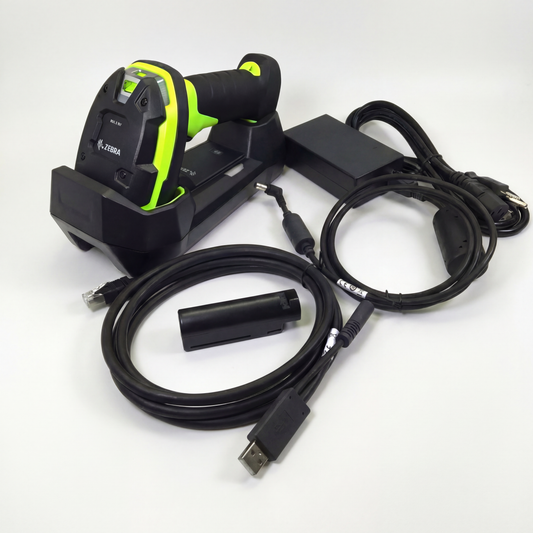
Zebra DS3678-SR Cordless Ultra-Rugged Barcode Scanner - Standard Range 1D/2D, FIPS USB Kit
-
$599.00 - Regular price
- $519.00
- Sale price
- $519.00
- Unit price
- per
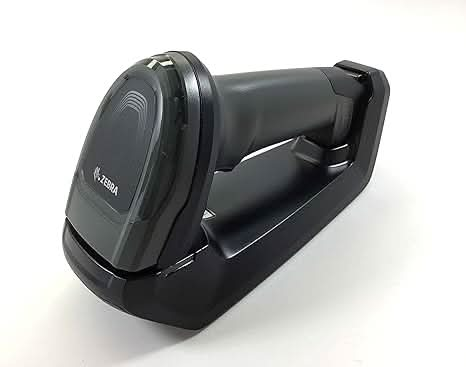
Zebra DS8178-SR Wireless Bluetooth Barcode Scanner | 1D/2D Imager, Includes Cradle & USB Cord
-
- Regular price
- $359.00
- Sale price
- $359.00
- Unit price
- per
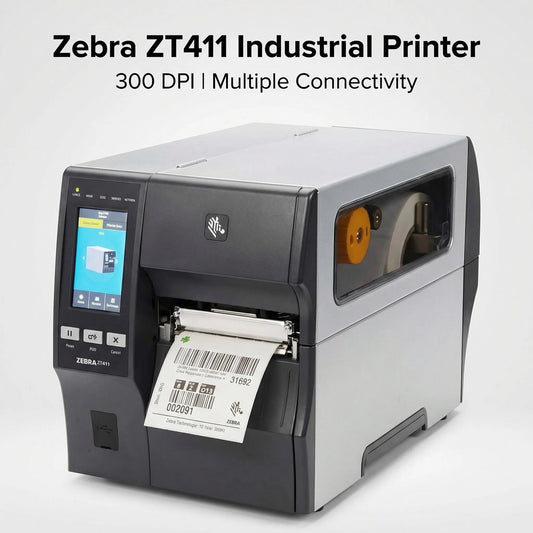
Zebra ZT41143-T010000Z ZT411 Industrial Label Printer - Thermal Transfer, 4-Inch Print Width, 300 dpi, Serial, USB, 10/100 Ethernet, Bluetooth 4.1/MFi, USB Host, US Cord
-
- Regular price
- $1,499.99
- Sale price
- $1,499.99
- Unit price
- per
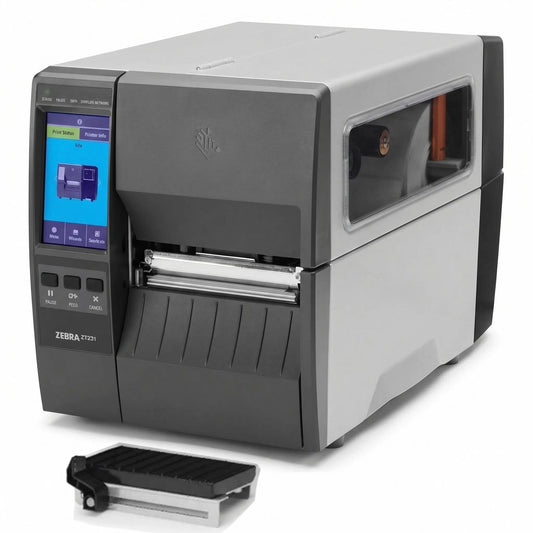
Zebra ZT23142-D01000FZ ZT231 4 Inch Direct Thermal Industrial Printer - 203 DPI, Tear-Off, USB, Serial, Ethernet, Bluetooth Low Energy, USB Host, US Cord
-
- Regular price
- $939.00
- Sale price
- $939.00
- Unit price
- per

1000 VA Eaton 9SX 120V Tower UPS
-
- Regular price
- $1,052.00
- Sale price
- $1,052.00
- Unit price
- per
